
Hack RF Pro firmware update
How to update to the latest version
I got my Hack RF Pro today and the first thing I checked was if there was a new firmware version available. I went to the Releases Page and saw that the latest version (2026.01.2) has some important bug fixes.
It is a firmware bug fix release. There are no changes to host software.
Changes in the release include:
Fixed RX, TX, and self-test on rad1o.
Fixed intermittent tuning failures with SDR++.
Fixed intermittent spectrum inversion in RX mode when changing the sample rate on HackRF Pro.
It doesn’t say in the release notes, but I think you would like to know that the removal of the DC spike is only effective after this update.
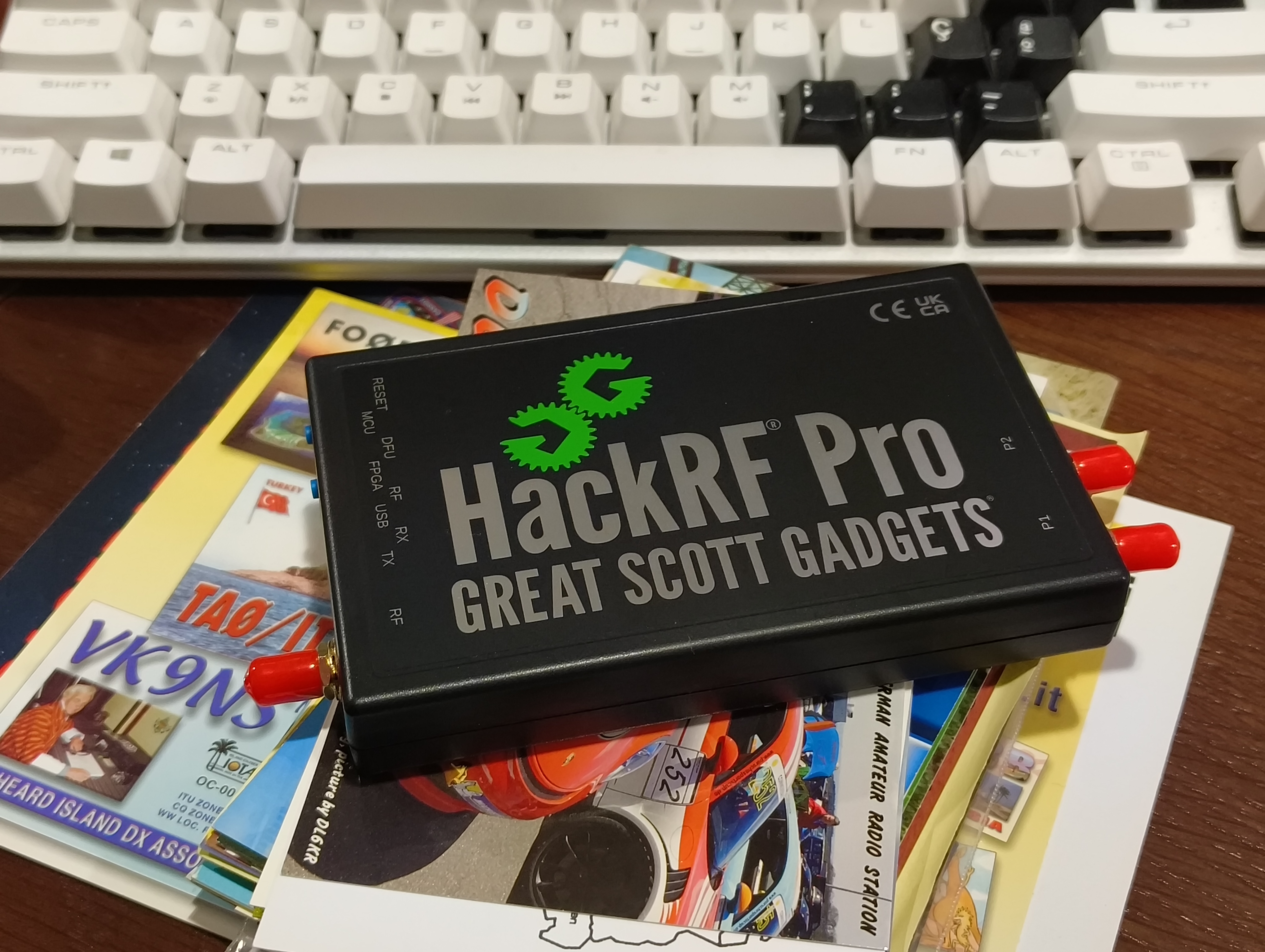
To update the firmware on HackRF Pro, you have to use the hackrf_spiflash program, that is contained in the hackrf tools (if you use a Debian distro, sudo apt-get install hackrftools).
The, type this command on a terminal: $ hackrf_spiflash -w hackrf_pro_usb.bin
For the moment, you will get the following error:
File size 239936 bytes.
Checking target device compatibility
Could not find appropriate platform for board id 5 (unknown).
Compatibility test failed.
This is due to the fact that the host tools are out of date and are not aware of the new board ID.
Here’s the solution provided by the support:
“The ideal solution is to update to at least v2026.01.1. If you’re on Linux, that may mean building from source as it takes a while for distro packages to update. If you’re on Windows using radioconda, then running mamba update hackrf should get you the latest.
Alternatively, if it’s too much hassle to get the latest host tools right now, you can also pass the -i argument to hackrf_spiflash to ignore the compatibility check. This is fine to do as long as you’re careful to only flash the hackrf_pro_usb.bin file”.
So, just do in a terminal:
$ hackrf_spiflash -i -w hackrf_pro_usb.bin
Be sure not to make a mistake in the firmware file. It must be hackrf_pro_usb.bin
If you declare a different file name, you may brick your device.
I hope this can help you!
73!